How Adobe Acrobat Is Changing the Way Professionals Handle Documents
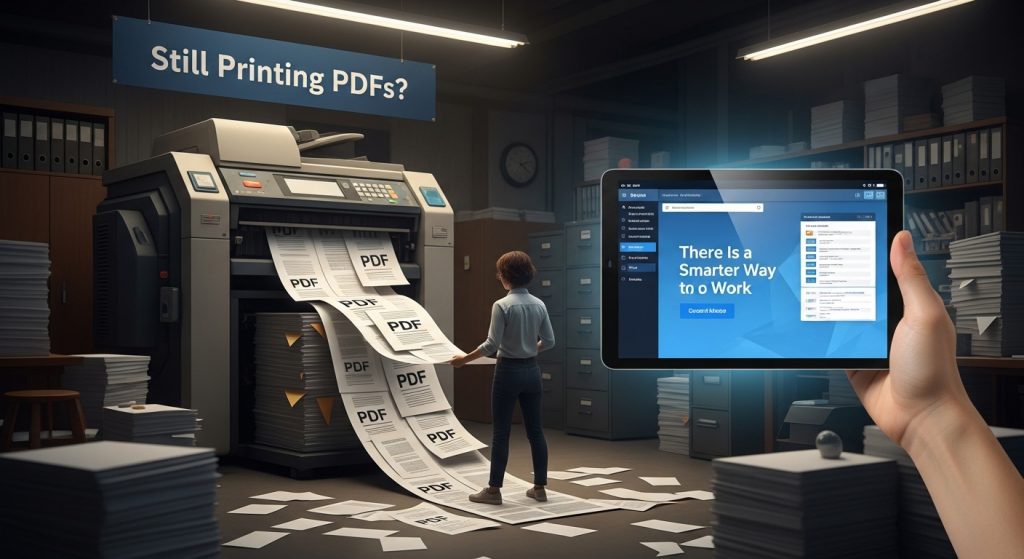
Every professional has been there. A contract needs a signature, a report needs last-minute edits, or a client is waiting on a revised proposal — and the clock is ticking. For millions of workers across the United States, the PDF remains the universal format for business documents. Yet despite its ubiquity, many professionals still handle PDFs the same way they did a decade ago: printing, signing by hand, scanning, and emailing. The result is wasted time, lost files, and unnecessary frustration.
The problem runs deeper than inconvenience. When teams rely on manual document workflows, version control becomes a serious issue. Multiple copies of the same file begin circulating. Someone approves an outdated version. A signature is missing. A deadline passes. What should be a straightforward business process becomes a source of daily friction that quietly drains productivity.
For remote and hybrid teams, the challenge is even more pronounced. When employees work from different cities or time zones, coordinating physical document workflows is simply not practical. The need for a reliable, digital-first approach to document management has never been greater.
Adobe invented the PDF format over thirty years ago, and Acrobat has remained the industry’s most trusted document tool ever since. Used by over 500 million people worldwide — from independent contractors to Fortune 500 legal departments — Acrobat is built on decades of refinement, security research, and real-world professional feedback.
Adobe Acrobat addresses every stage of the document lifecycle in a single platform. Users can edit text and images directly within a PDF without converting the file. Legally binding electronic signatures can be collected from any device in minutes. Files can be compressed, merged, or split without losing formatting. And with cloud integration, teams can collaborate on documents in real time, with every change tracked and every version preserved.
What separates Acrobat from free alternatives is not just features — it is reliability. Free PDF tools frequently introduce formatting errors, strip embedded fonts, or fail on complex documents. In professional contexts, those failures have real consequences. Acrobat is designed to handle the most demanding document scenarios without compromise.
The shift toward paperless workflows is not simply a technology trend — it is a business necessity. Organizations that eliminate manual document processes report significant reductions in turnaround times and administrative overhead. Teams that once spent hours managing file revisions can redirect that time toward work that actually moves projects forward.
“Before Acrobat, getting a signed contract from a client could take three or four days,” says one account manager at a mid-sized marketing agency. “Now it takes twenty minutes. That change alone has transformed how we close business.” Experiences like this are increasingly common as more professionals discover what a modern document workflow actually looks like.
Document management should never be the bottleneck in a professional workflow. With the right tools, editing, signing, and sharing can happen seamlessly — from any device, in any location, at any time.
For professionals and teams that depend on documents to get business done, adopting a reliable, full-featured PDF solution is no longer optional. It is the foundation of a modern, efficient operation.👉 Learn more about Adobe Acrobat